A word game for grades K–8
The fill-in-the-blank story game for the whole class.
Put a story on the projector. Students join on any device, write a word for each blank, and vote for the funniest. Then the class reads the story it made together.
- No student accounts
- Nothing saved after the game
- Chromebooks, phones and tablets
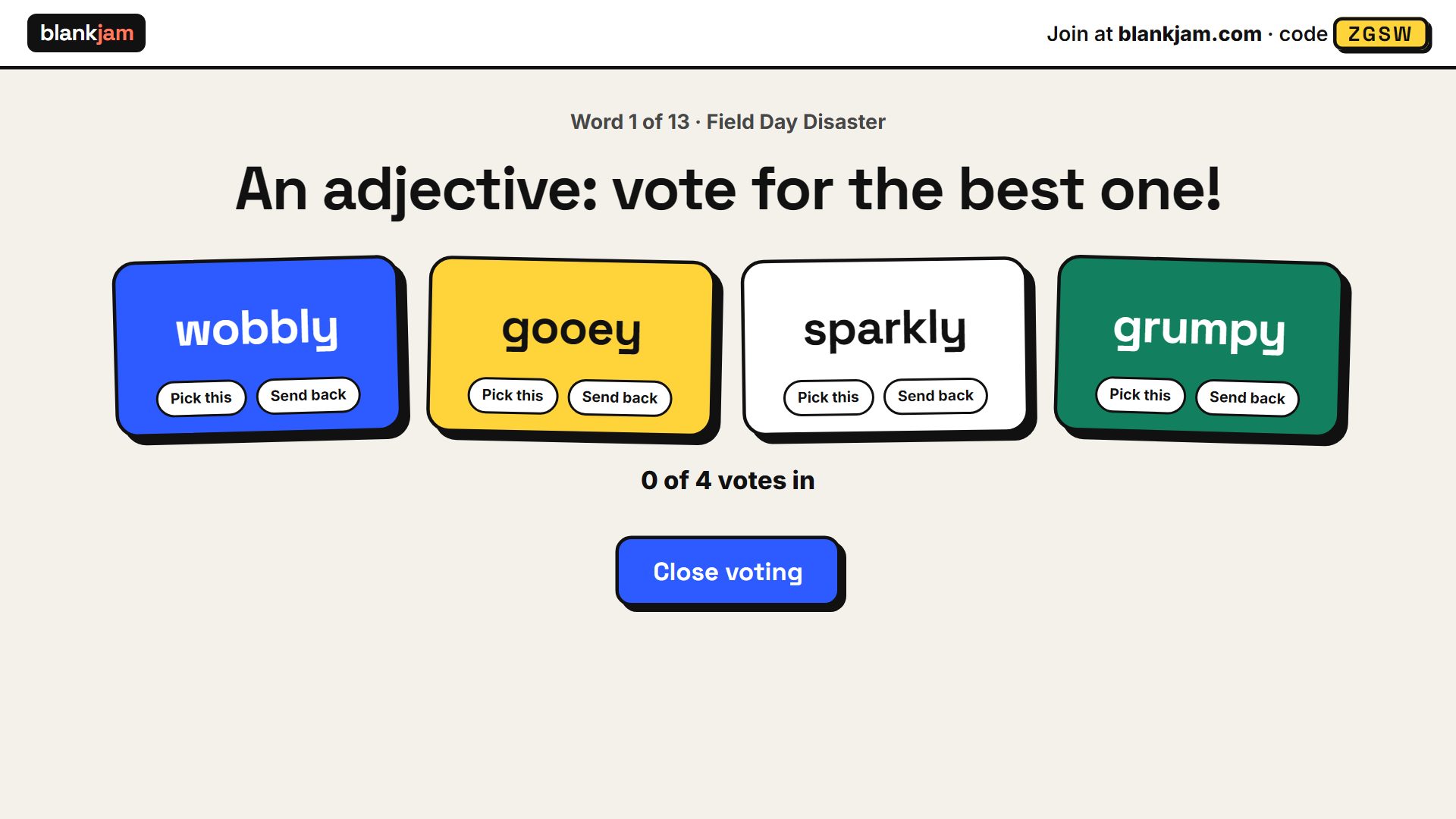
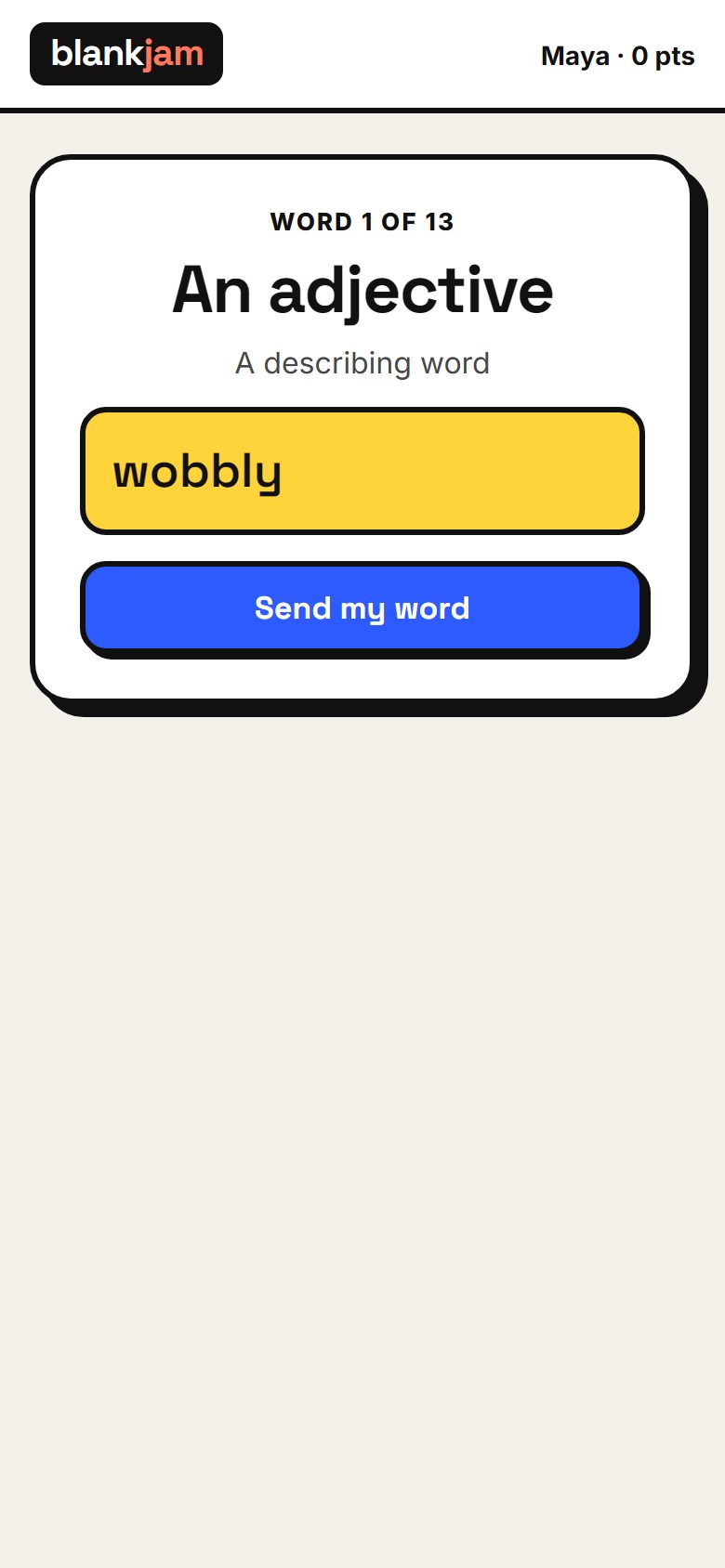
How a game works
-
1
Put a story on the screen
Pick one of the ready-made stories and show the room code. Students join by typing the code or scanning the QR code. No sign-up.
-
2
Everyone writes a word
The screen asks for an adjective, a plural noun, a silly word. Each student types theirs on their own device, without seeing the story.
-
3
Vote, then read it out
The class votes for the funniest word, round by round. At the end the finished story appears on the projector, ready to read aloud.
What the class ends up with
Field Day started with a slimy whistle from Coach Grandpa Joe. First up was the sack race, but my sack was full of marbles, so I sneezed across the grass like a llama. Then came the water balloon toss. My partner threw it proudly, and it landed right on the principal’s nose.
Made for a real classroom
You stay in control
A word filter blocks rude names and answers. Turn on word check and every answer waits on your phone until you approve it, so nothing reaches the projector without you. You can send a word back or remove a player at any time.
No accounts, nothing kept
Students type a first name or nickname. Names and words live only in the game room and are deleted when it closes. There are no student profiles, no tracking and no ads.
Works on what you have
Any device with a web browser: Chromebooks, phones, tablets, laptops. Nothing to install. Students join with a 4-letter code or the QR code on the screen.
Grammar practice that feels like a game
Every blank asks for a part of speech, with a short hint: nouns, verbs, adjectives, adverbs, past tense verbs. Ten stories from kindergarten to 8th grade, and an optional timer to keep rounds moving.
Questions
Do students need an account or an email?
No. They type the room code and a first name or nickname. Nothing else is asked for, and nothing is kept once the game ends.
What if a student types something inappropriate?
A word filter refuses rude names and answers before anyone sees them. For full control, turn on word check: answers wait on your phone until you approve them. You can also send back any word during voting, or remove a player.
What do I need to run a game?
A computer connected to your projector or screen, and ideally your own phone as a remote for checking words. Students need any device with a web browser.
How many students can play?
Up to 60 in one room. Students who share a device can play as a team.
How long does a game take?
A story has 12 to 14 blanks. With the timer set to 45 seconds, a whole story takes about 15 to 20 minutes. You can skip words at any time to keep it short.
Is this Mad Libs?
No. Blankjam is an original fill-in-the-blank game. Mad Libs is a trademark of Penguin Random House, and Blankjam is not affiliated with or endorsed by it.